Local fallback
Managed folders can switch to local storage when the external volume becomes unavailable.
I run my Mac off an external SSD. Limpet is the tool I built for the moment that drive gets unplugged: switch to a local folder, keep working, and merge the work back when the drive returns.
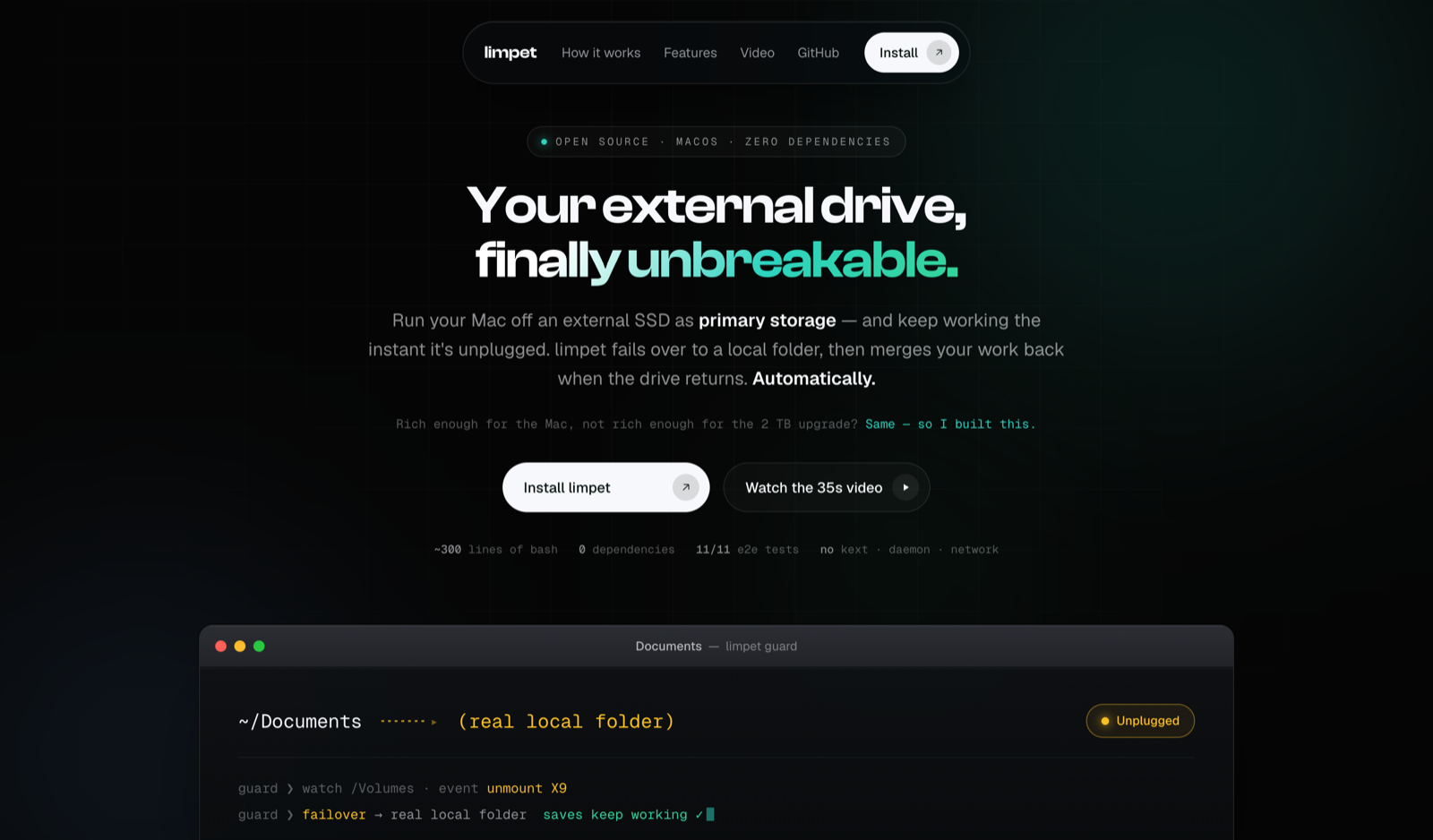
Using an external drive as primary storage makes a loose cable a real interruption. A folder pointing at an unavailable volume can leave applications with nowhere useful to save.
Give managed folders a local fallback and make reconnection part of the same workflow. Keep conflicting copies during the merge instead of silently discarding one version.
What the product brings into one place.
Managed folders can switch to local storage when the external volume becomes unavailable.
Changes made during the disconnect are merged back when the drive returns.
The merge preserves conflicting copies so an unexpected difference does not become a silent overwrite.
Bash and native macOS hooks keep the setup understandable, with commands for configuration and status.
Walk through the product, one step at a time.
Follow the repository’s setup instructions to configure the external volume and folders Limpet will manage.
Decisions, boundaries, and the current state of the work.
Limpet started with my own external-SSD setup. The article linked below explains the failure case and how the tool grew around it.